
The Complete Guide to Collate Printing: Everything You Need to Know
Have you ever faced the hassle of sorting printed pages that were not arranged in the order you wanted? Looking for a way to fix this issue without any difficulty? Collation in printing is the ideal solution for this problem. Collate printing ensures that your multi-page documents stay ordered, organized, and ready to use for educational institutes, businesses, or personal purposes.
This blog covers everything from “collate meaning in printing” to the difference between collated and uncollated printing. Let’s explore everything you need to know in detail.
What does collate mean when printing?
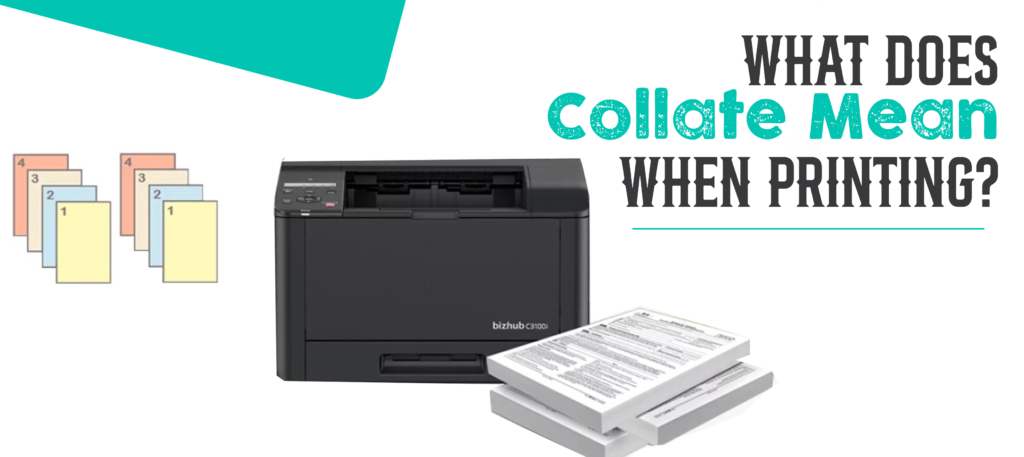
You may have seen different options when printing multiple-page documents. One of these options is “collate” in your print settings. But what is the meaning of collate? What benefits does this option offer? What are the most common examples of collating in the workplace?
Why do people search for “collate meaning printer” and “collated meaning”? What happens if you do not want to collate? And how do you enable collating in print settings?
What is the meaning of collate?

People often search for “collate meaning printer” on search engines. In printing terminology, collating means arranging printed pages or documents in a specific sequence. It assembles each set of pages in the correct order instead of printing every page in separate stacks. It is commonly used for printing catalogs, booklets, manuals, reports, and other multi-page documents.
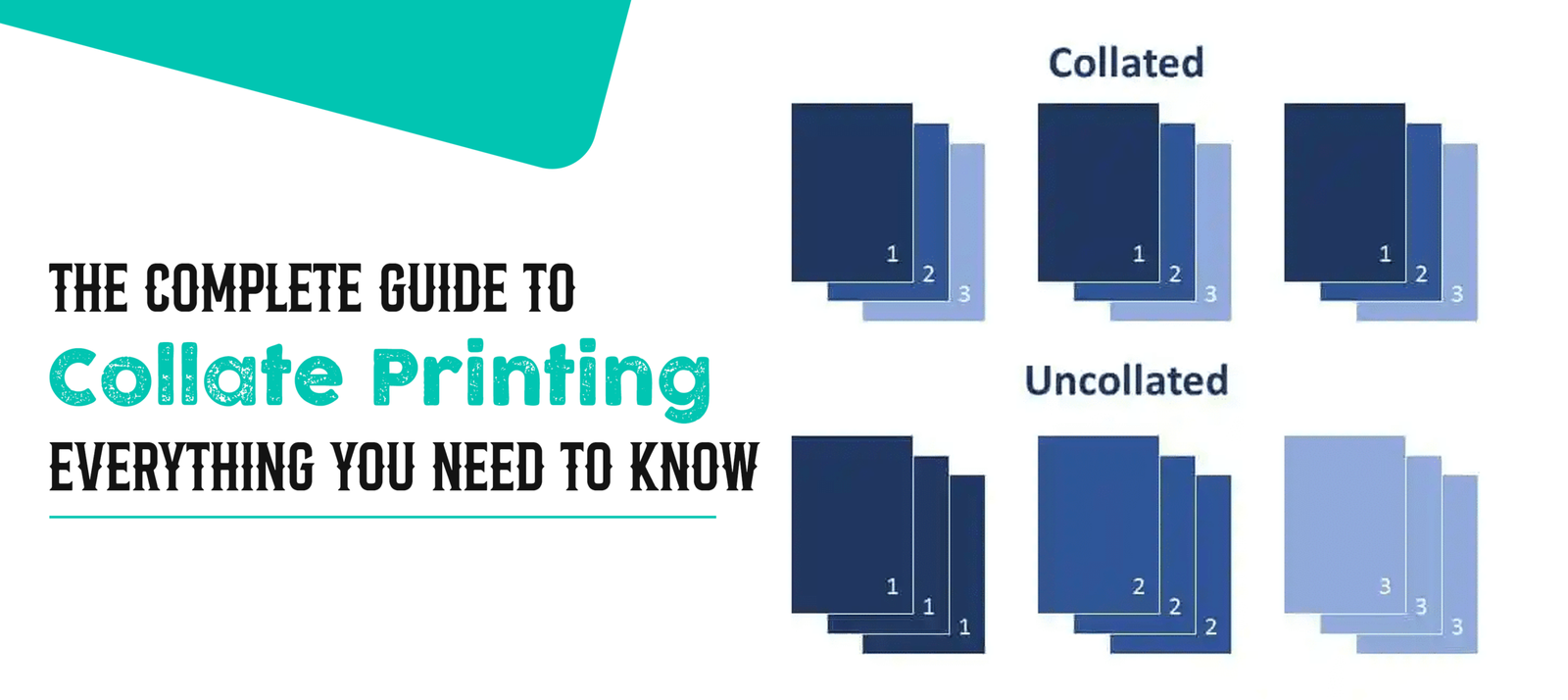
With collating, the printer prints Copy 1 in order from page 1 to page 25, then Copy 2 from page 1 to page 25. This means you can collect all copies of your document in proper sequence without the hassle of arranging them manually.
Benefits of collate printing

One of the biggest benefits of collating is that it allows you to print multiple copies of multi-page documents automatically. Before advanced printing software, this was a time-consuming task because pages had to be sorted by hand. But now, with modern printing software and printer settings, managing multiple-page documents has become much easier.
Some other benefits of collate printing are given below:
This technique offers convenience for printing large quantities of pages
Arranging multi-page documents such as booklets, books, magazines, manuals, and directories can be a hectic task. It also increases the chances of mistakes, such as pages getting mixed up or arranged in the wrong sequence.
But collation in printing removes these issues and makes printed documents ready to use immediately after printing. Since the pages are already organized in the correct order, they require no extra effort.
Time-saving when printing multiple-page documents
When it comes to sorting and arranging pages in a specific order, no one wants to spend extra time doing it manually. Collate printing improves workflow and saves valuable time when printing multiple-page documents. It also saves effort, especially when handling large quantities of printed pages.
Accurate order you want
There are always chances of human error when arranging pages manually. That is why collation in printing is important for producing documents in the required order without extra manual handling. This technique reduces the risk of misplacing, mixing up, or skipping pages.
As a result, no extra staff is needed to double-check the printed documents. The pages are already in the right order and ready to use.
The most common use cases for collating
Collating seems like an obvious choice when printing multiple-page documents. Everyone wants document pages to be printed in the required order. Below are some of the most common examples where collate printing adds value:
| Use Case | Details |
| Print Reports | It keeps the printed pages in the correct order without any hassle or manual interaction. |
| Presentations | It ensures that each set of slides is arranged in the order you want for smooth delivery and effective communication. |
| Manuals/Guides | It provides the sequence of pages that is important for proper understanding. |
| Invoices/Billing | It ensures that information is printed in an organized manner for better understanding. |
Difference Between Collated Printing and Un-collated / Non-collated Printing
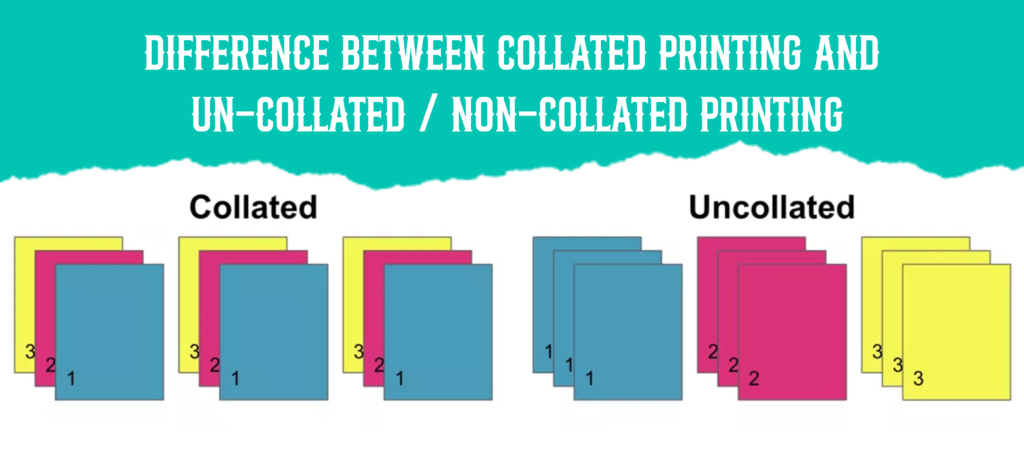
Many users look for the difference between collated printing and uncollated printing. Understanding this difference helps you choose the right option for your printing needs.
Collated Printing
Collated printing refers to printing multi-page documents in a logical sequence. Each set contains one complete copy of the original document, with every page placed in its proper order. It is useful for any print job that requires pages or paper types to be printed in a specific sequence without the need for extra checking.
Un-collated / Non-collated Printing
Un-collated or non-collated printing refers to documents that are printed separately rather than in sequence. In this case, pages need to be organized, arranged, and sorted manually before they are ready to use. For example, the printer may print page 1 one hundred times, then page 2 one hundred times, and so on.
Choose the option that best suits your printing requirements.
Automatic VS Manual Collating
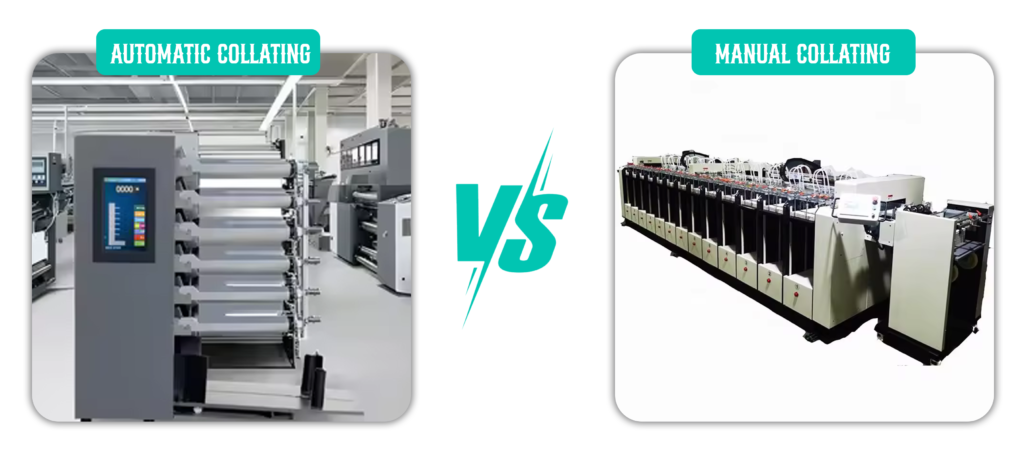
Collating your document printing project can be as simple as clicking the “collate” button on your multifunction printer.
However, if you want to use different stocks within the same document, you may need to start with separate print runs. For example, one print run may be used for all pages on the first stock, while another may be used for pages on a second stock. Although each of these print runs can be collated automatically, you may still need to manually collate them by hand into one complete file of standard pages.
Why Collate by Hand?
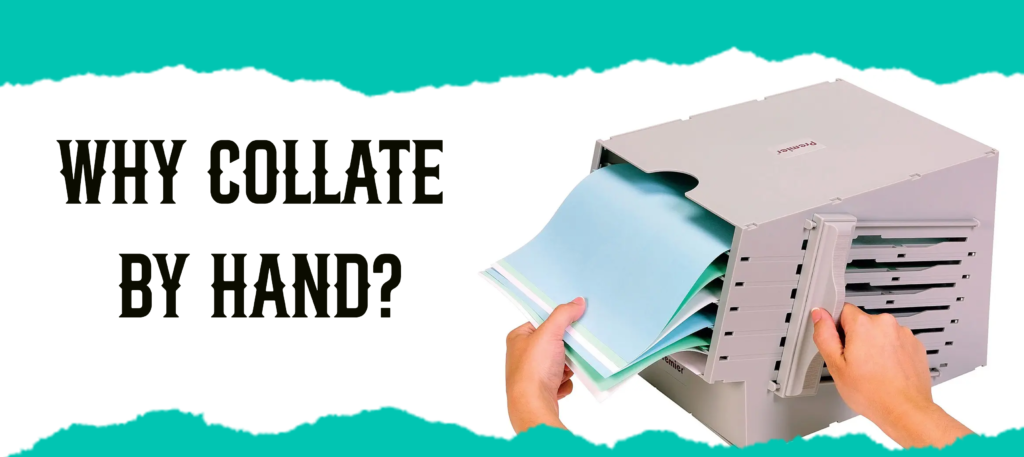
There are many situations where collating by hand is necessary instead of relying completely on the printer. Some common examples are given below:
The Mix of Bleed & No Bleed
Some documents contain images and graphics scattered throughout the pages. These images and graphics need to be printed all the way to the edge of the page. Other pages may contain only text with standard blank margins.
In such cases, manual collating may be needed to combine these pages correctly.
Different Sheet Sizes
Some printing jobs require a gradual trim, where every sheet inside the document is slightly larger or smaller than the sheet before it. These sheets often need to be trimmed separately and then collated by hand in the correct order.
How to enable or disable collating
Do you not know how to enable or disable the collate printing option in your printer settings? The process is usually simple, although it may vary depending on the operating system and printer software you are using.
Go to your print settings, locate the collate option, and switch it on or off as needed. If you cannot find it, check your printer’s user manual or search online for model-specific instructions.
Looking for a reliable packaging and printing partner for books, boxes, packaging, or other custom printed products? Great Custom Boxes is here to help. We offer a wide range of customization options along with advanced printing and die-cutting techniques to create products in the size, shape, and material you need.
We also manufacture custom boxes with customizable sizing, style, structure, and printing based on your requirements. Feel free to contact Great Custom Boxes for high-quality packaging services at competitive rates.
The Final Verdict: Making the Most of Collate Printing
Collation in printing saves time, organizes document pages, and keeps multi-page documents in the correct order you want. This blog explained “collate meaning printer”, “collated meaning”, and the difference between collated and uncollated printing in detail. It also helps you understand when to use each option and how collating improves productivity.
Collation in printing is useful for reports, educational materials, manuals, invoices, and presentations because it keeps these documents in the right order with a more professional result. No matter why you use it, understanding these basics can make any print job faster, more efficient, and more accurate.
FREQUENTLY ASKED QUESTIONS
Q: What is collate?
Collate refers to assembling documents in the proper order, especially when preparing them for reading, use, or binding.
Q: What does collate mean?
In printing, collating means arranging printed documents in a specific order rather than printing each page in separate stacks.
Q: What does collate mean when printing?
Collate means printing more than one copy of a multiple-page document in the correct order from the first page to the last page before the next copy is printed.
Q: What does collate mean printing?
Collating in printing refers to the orderly arrangement of multiple pages or copies in a specific sequence. When a document is collated, the pages are arranged in a fixed order, such as page 1, page 2, page 3, and so on.
Q: What is collating?
Collating means bringing together different pieces of written information in a proper sequence so that they are ready to use and easy to understand.
Q: Do I need to collate on or off?
It depends on the purpose of the printed documents and the type of document you want to print. Collation is useful when you need multiple copies of a large multi-page document, such as reports, presentations, booklets, or instruction manuals.
Q: What is the difference between collated and uncollated copies?
Collated copies are arranged in the correct order for immediate use, such as in a report or booklet. Uncollated copies are not arranged in the required order and need manual sorting after printing.
Q: Is collated double-sided?
No, collating is not the same as double-sided printing. The collate function only makes sure that all pages are printed in the order you want.